
Renovations Lite · In the app today
Try it in your room first.
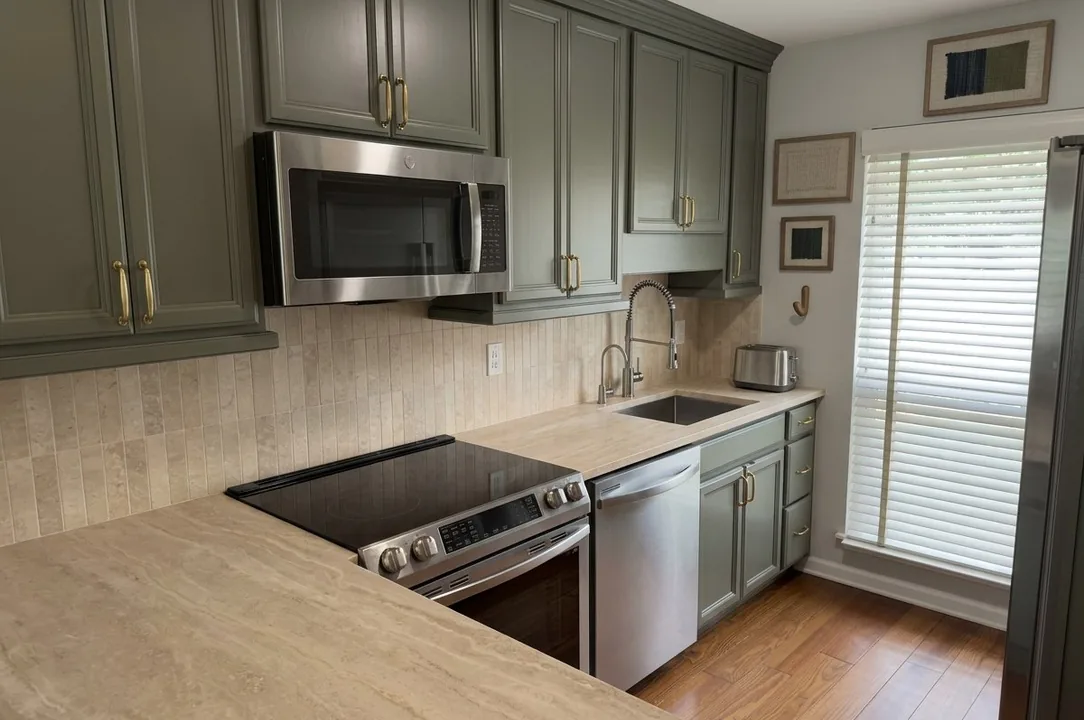
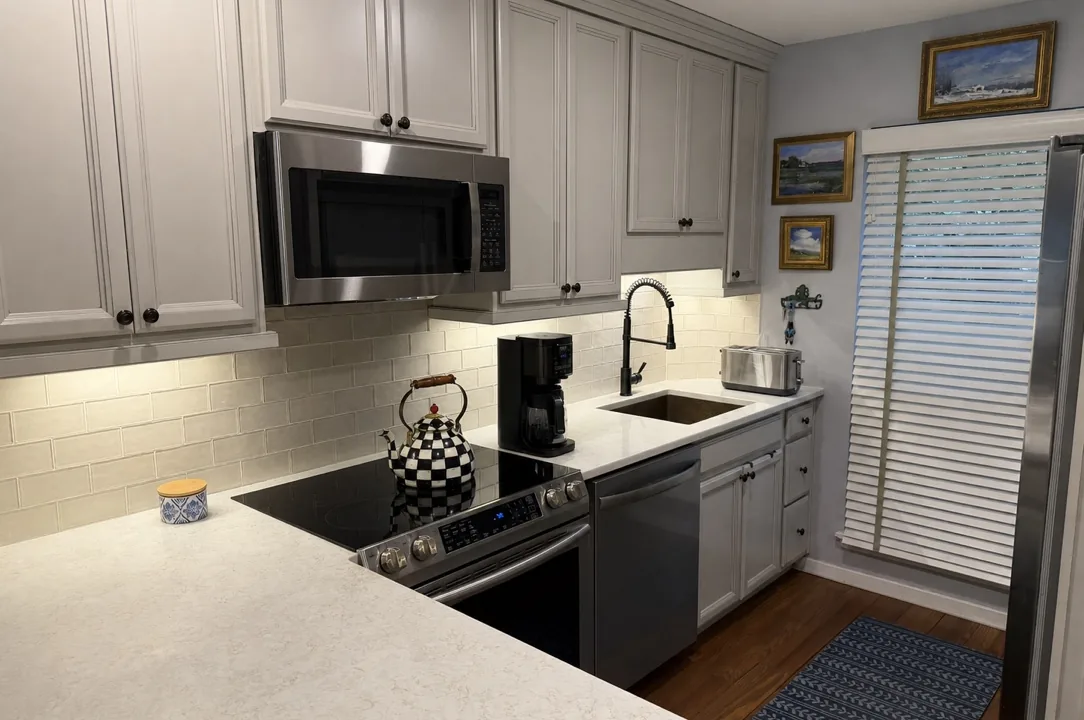
Take a photo of your room, pick new colors or finishes, and see a design idea for that same room. Drag across the picture to compare.
Free on iPhone and Android in the US. Your first design idea is free after you sign in with Apple or Google.
What it costs
Start with one free design idea.
Your first design idea is free after you sign in with Apple or Google. No card needed. More are $2.99 each on iPhone, in the US.
Each idea comes with a rough national cost range for the visible changes. A contractor measures and prices the real job.
Android purchases are coming. The free first design idea works on Android today.
How it works
From one photo to a design idea.
-
Take a photo of the room.
Show the walls, doors, windows and fixtures you want to keep. Grainwork checks the idea against that layout.
-
Choose what to change.
Pick colors, tile, woodwork and metal finishes. Tell Grainwork what should stay as it is.
-
See the idea and a rough cost.
You get a design idea for the same room and a rough national cost range for the visible changes. Share it with family or a contractor if you like.
Your starting photo stays with your signed-in account. The finished concept is shared only when you choose Share. Our AI provider processes the photo to make the concept. How we handle photos
See your own room with the change made.
It starts with one photo of the room.
Also in the app: a price for a repair from a short video, and a second look at a contractor’s quote.